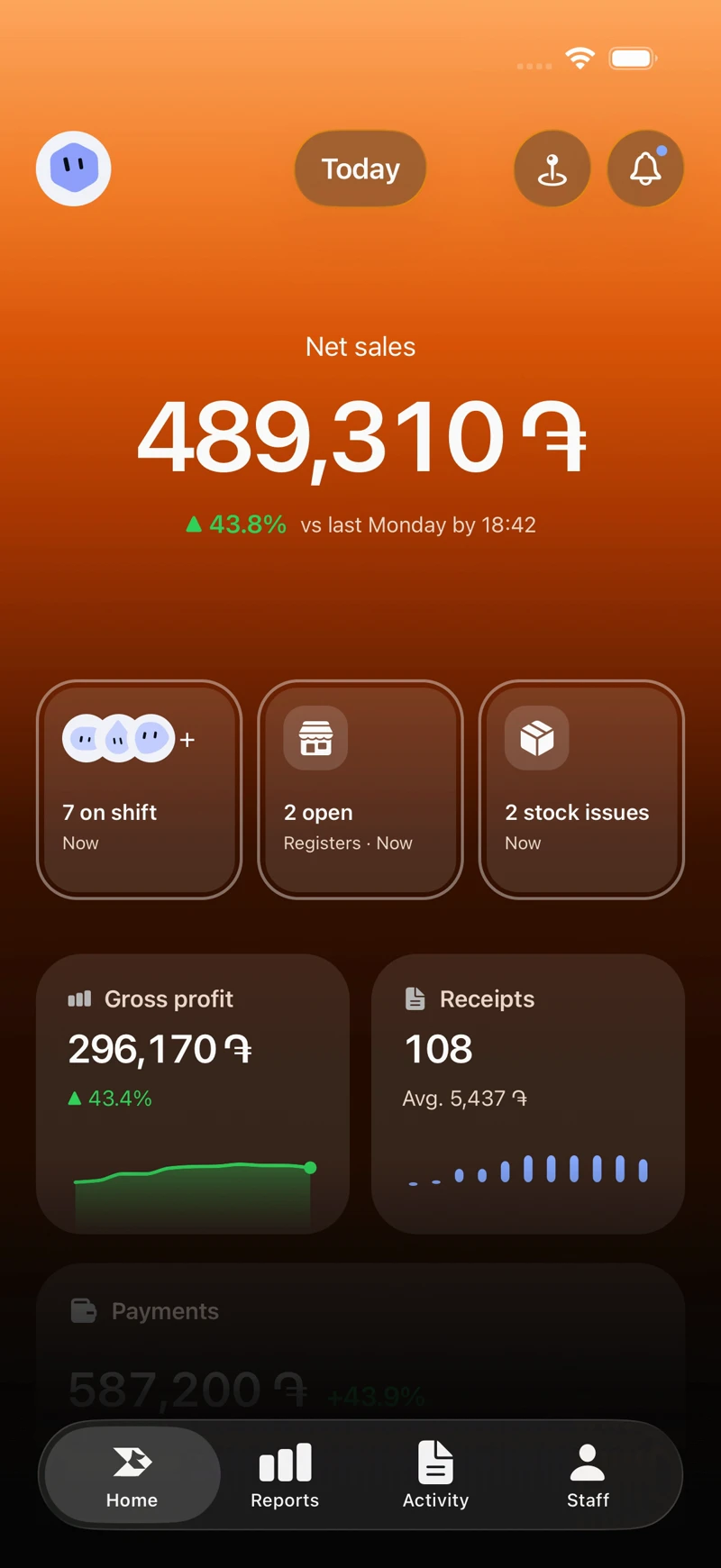
Your café in your pocket
Net sales, open registers, who’s on shift and stock issues, live on your phone wherever you are.
 Rive
Rive
A latte with oat milk and an extra shot in two taps, the ticket straight to the bar, and the whole day on your phone. Rive runs on the tablet at your counter, even when the Wi‑Fi doesn’t.


Everything you need to start operating from day one, on the devices you already have.
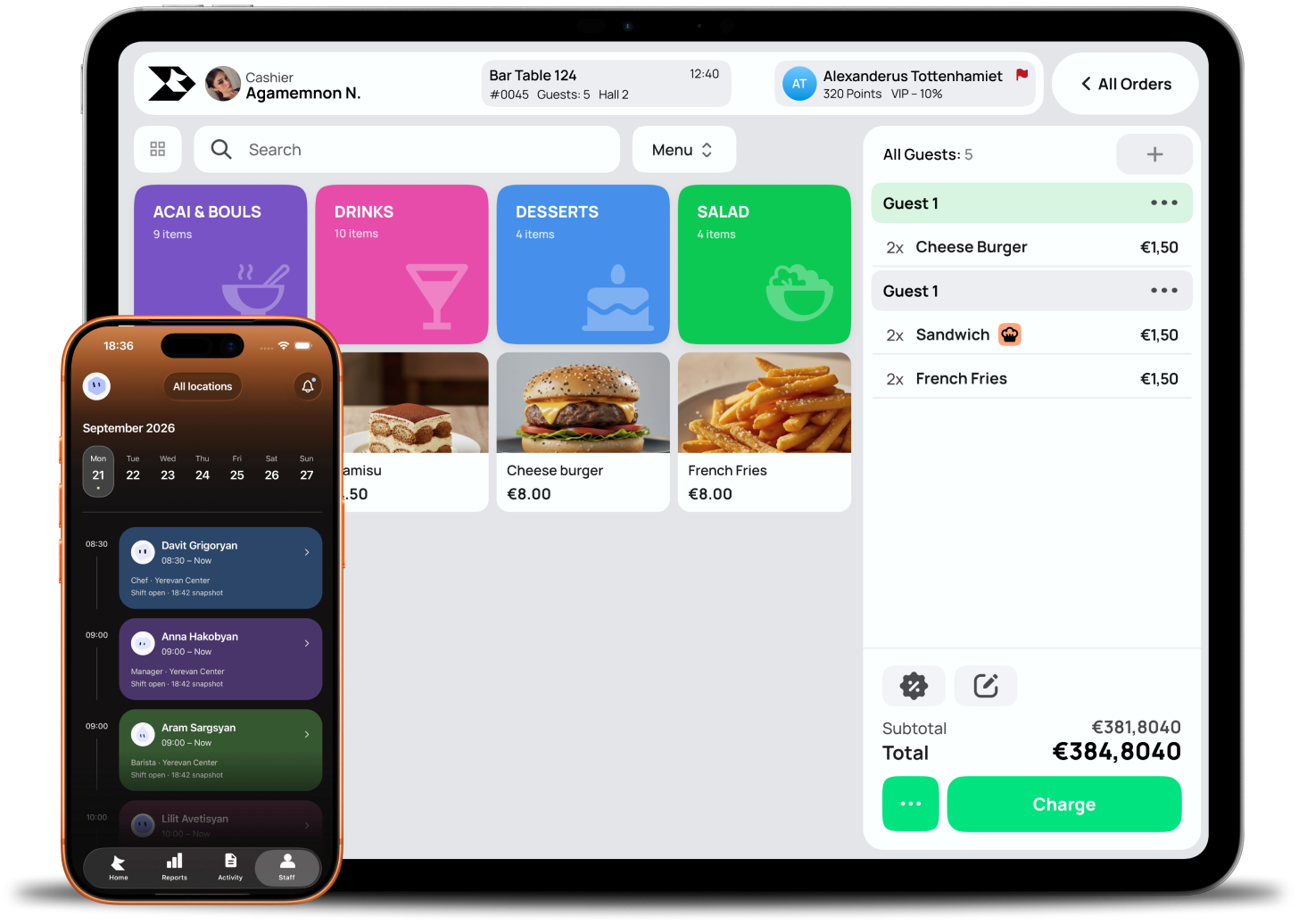
Rive POS at work
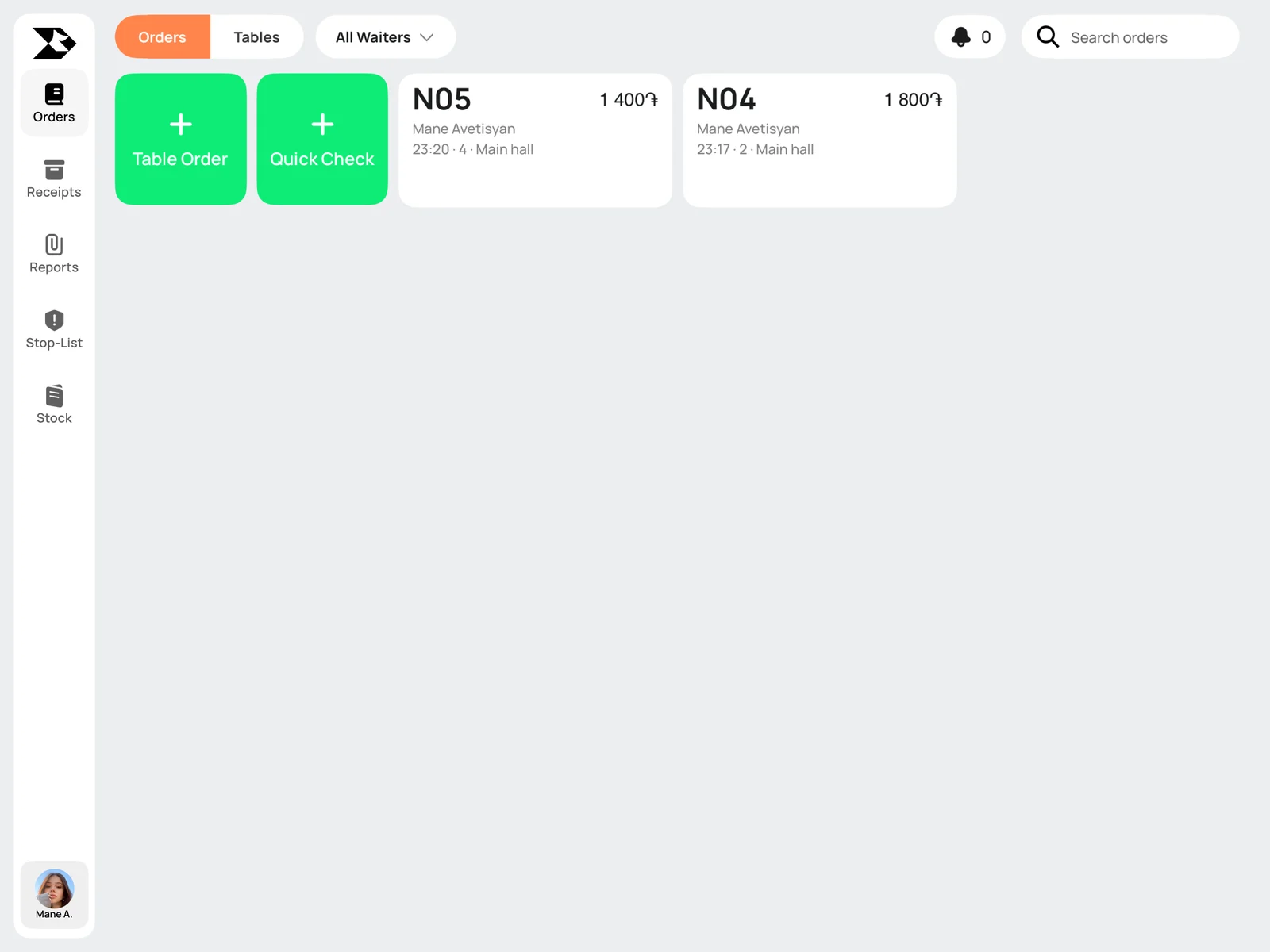
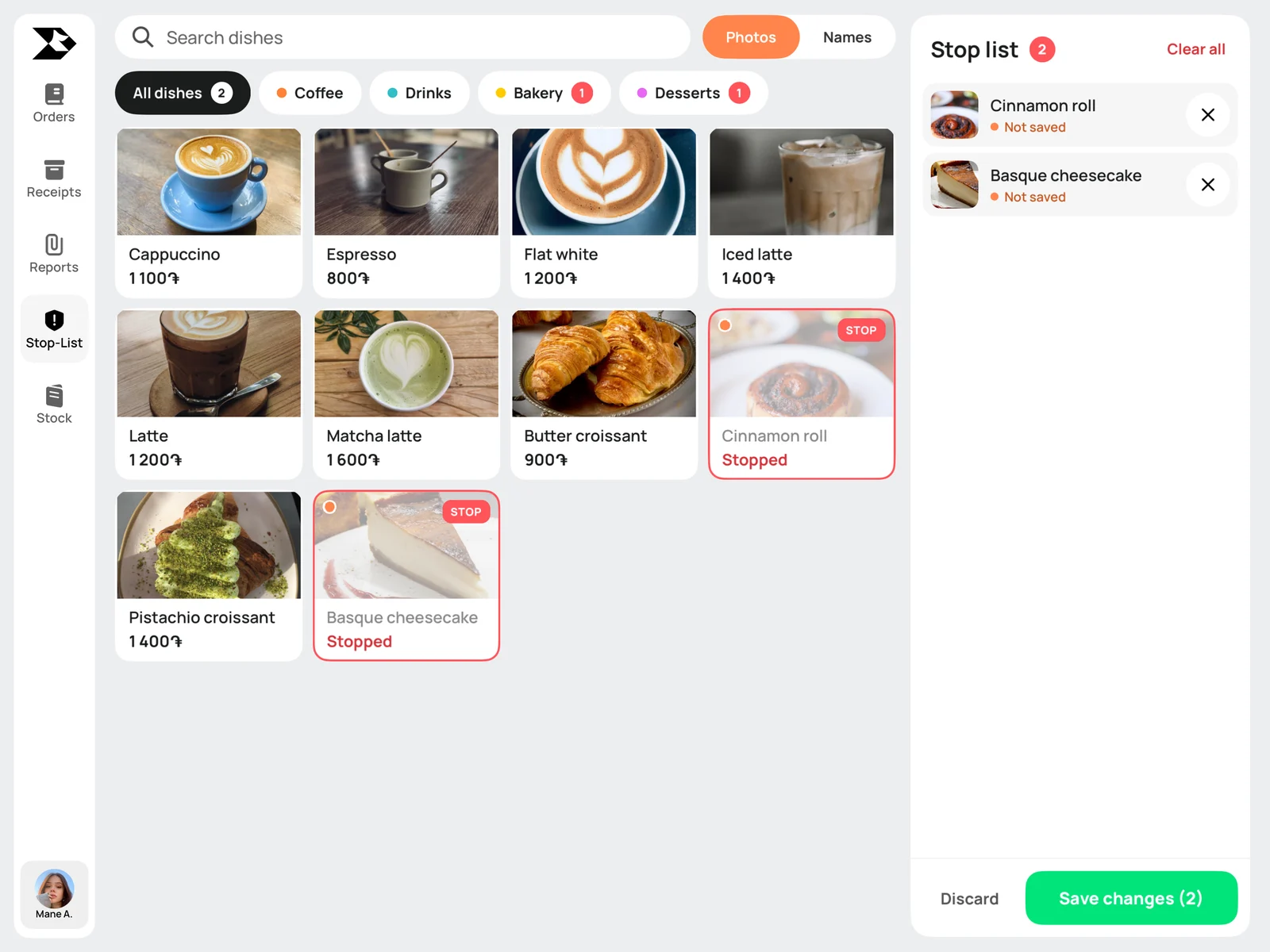
Real screens from the Rive Terminal app. Pick a feature to see it.
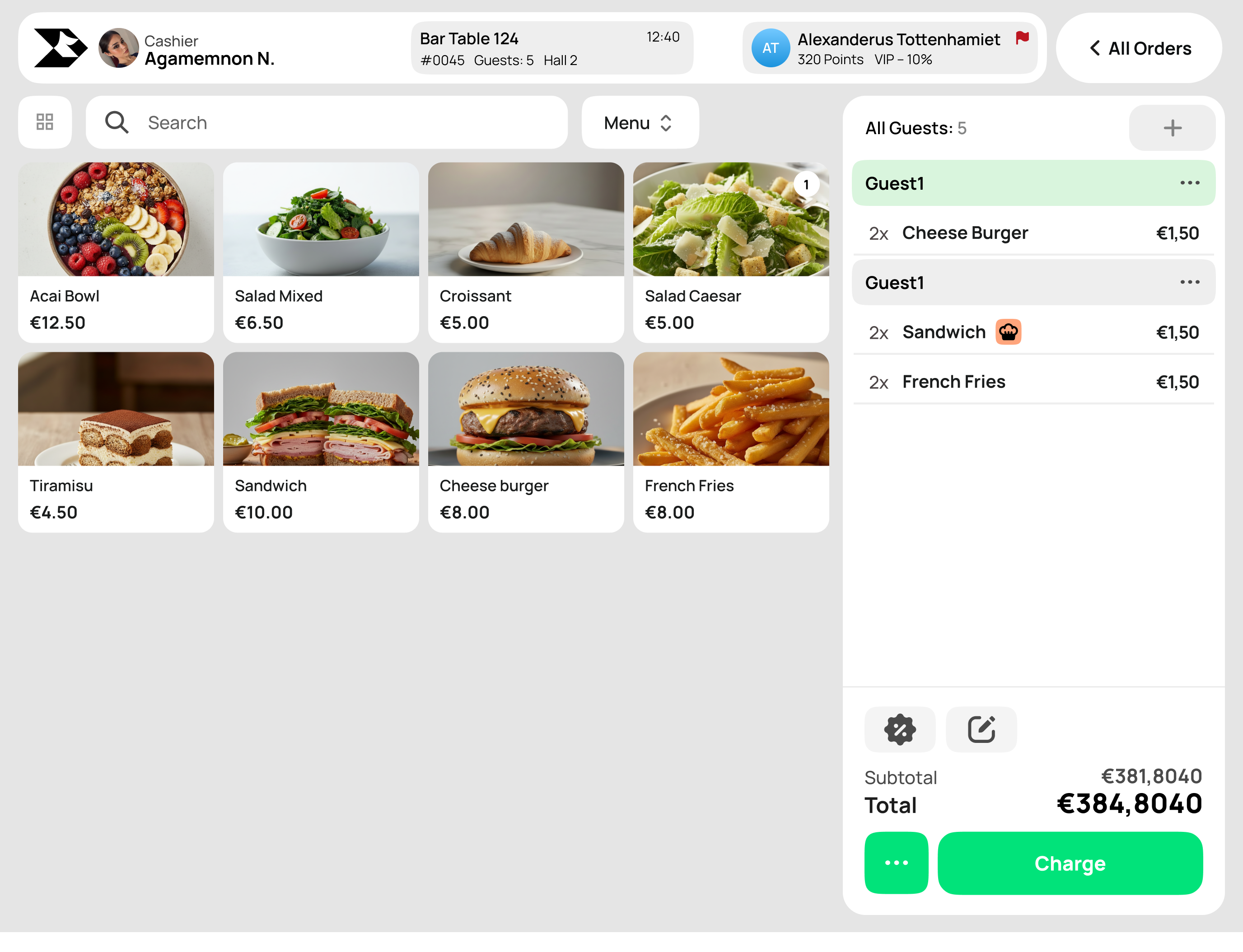
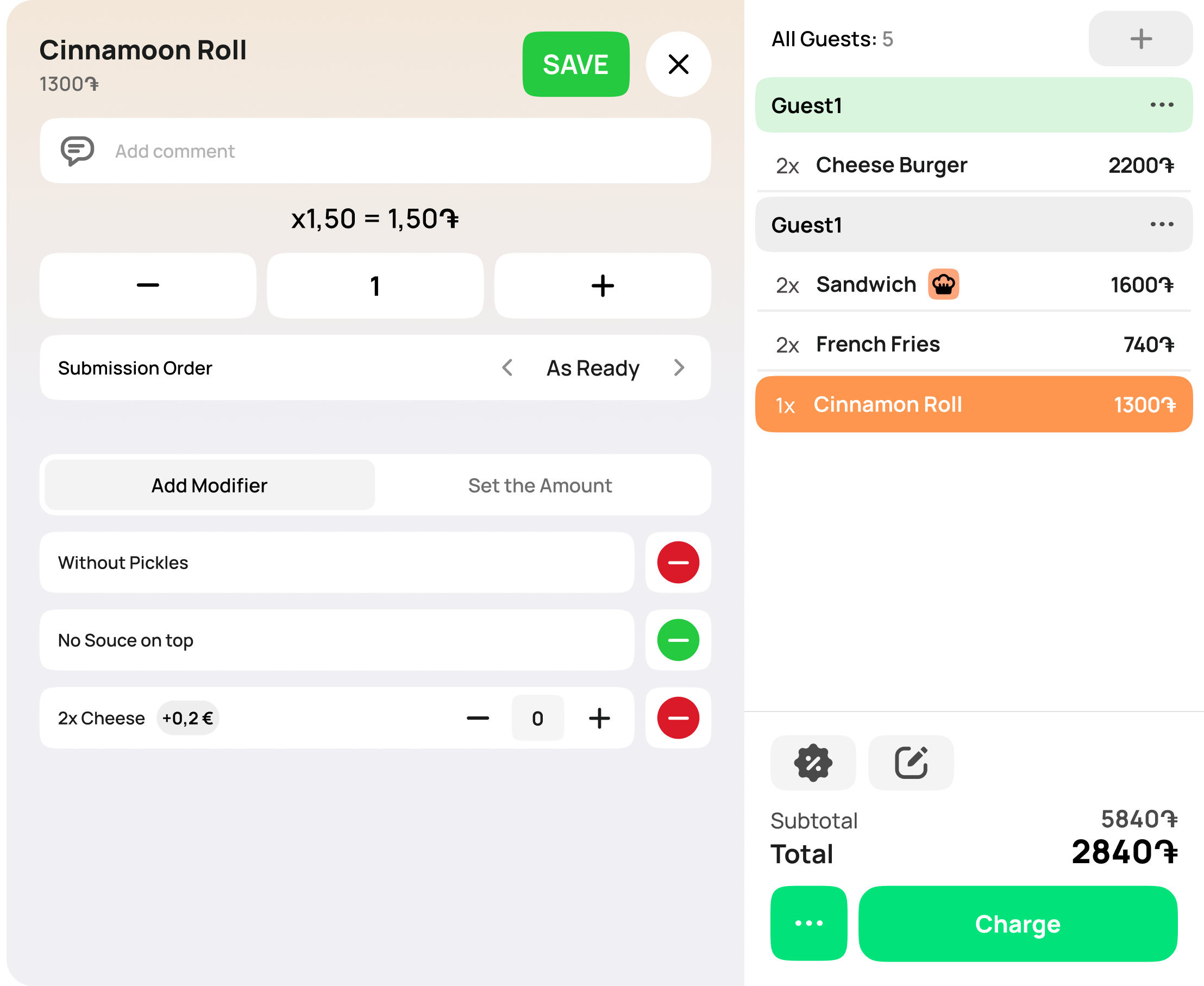
Beyond the counter
Rushes, regulars and a menu full of little changes. Rive handles all three without slowing your barista down.
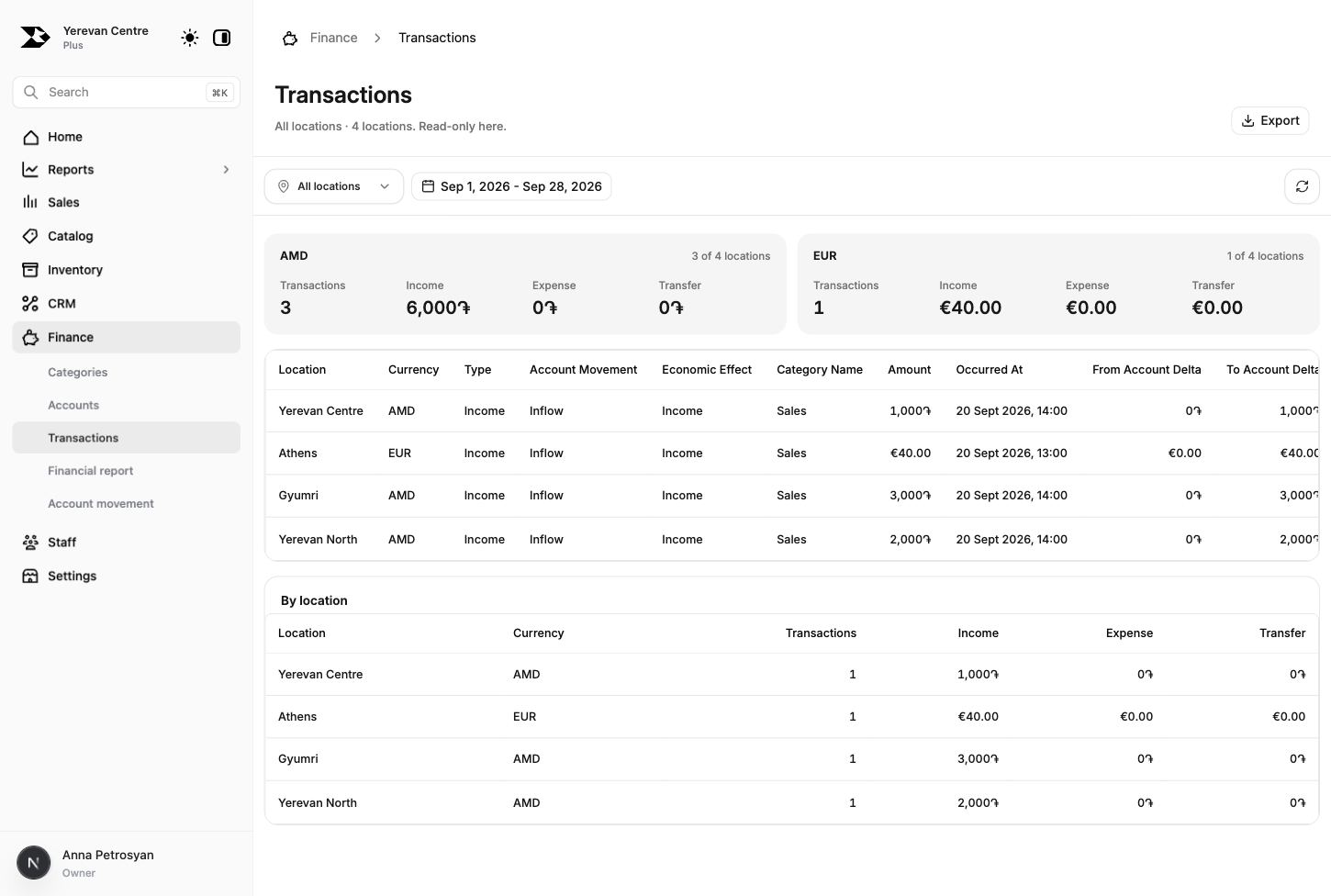
Net sales, open registers, who’s on shift and stock issues, live on your phone wherever you are.
Recipes write off beans, milk and syrup with each drink. Back Office shows sales, stock and costs from any device.
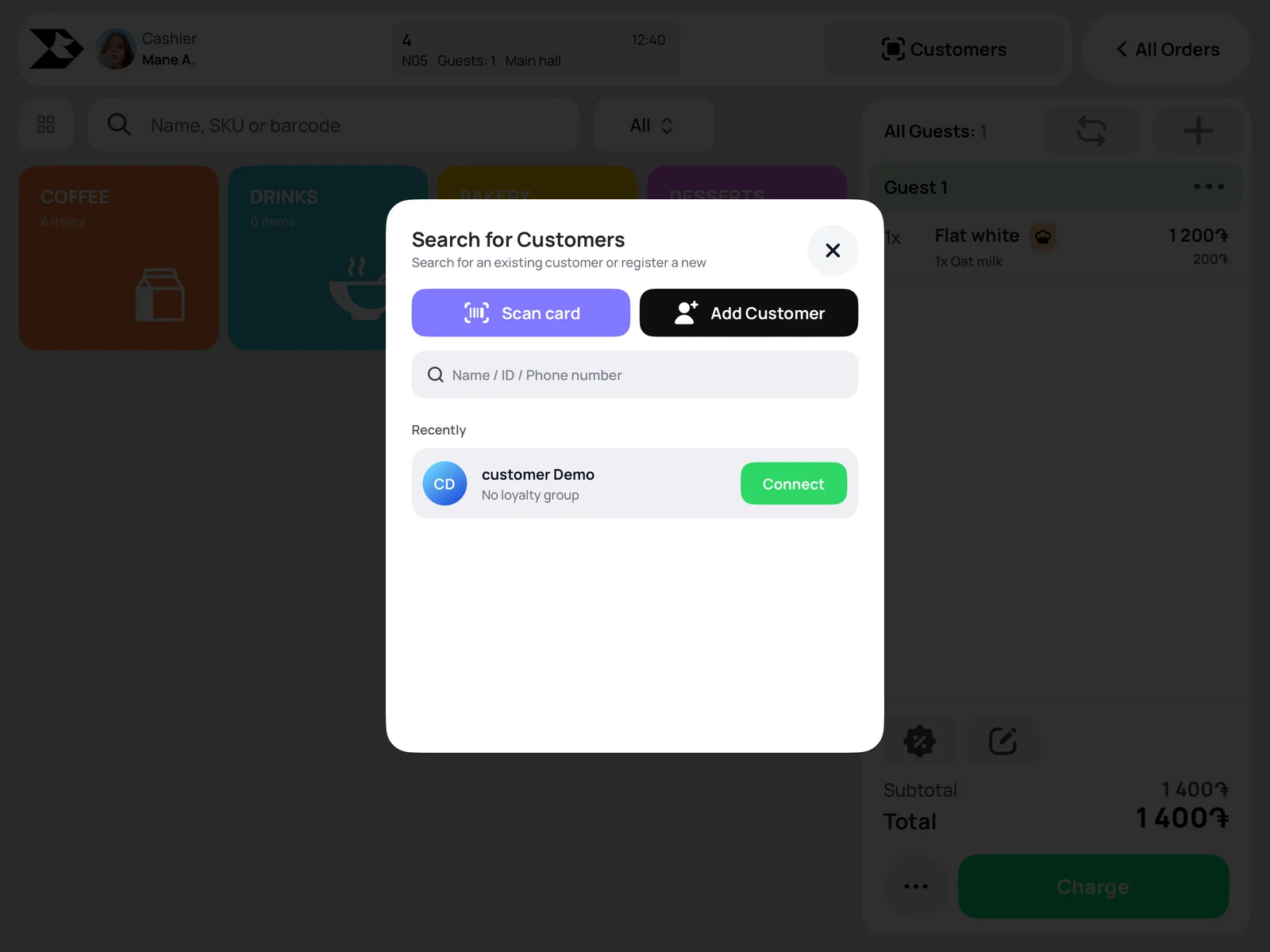
Find a guest by phone number or loyalty card. They earn points on every coffee and spend them at the counter.

Switch between a breakfast menu and an all-day menu right on the Terminal.

Log in with your PIN, start your shift and count the opening cash into the register.
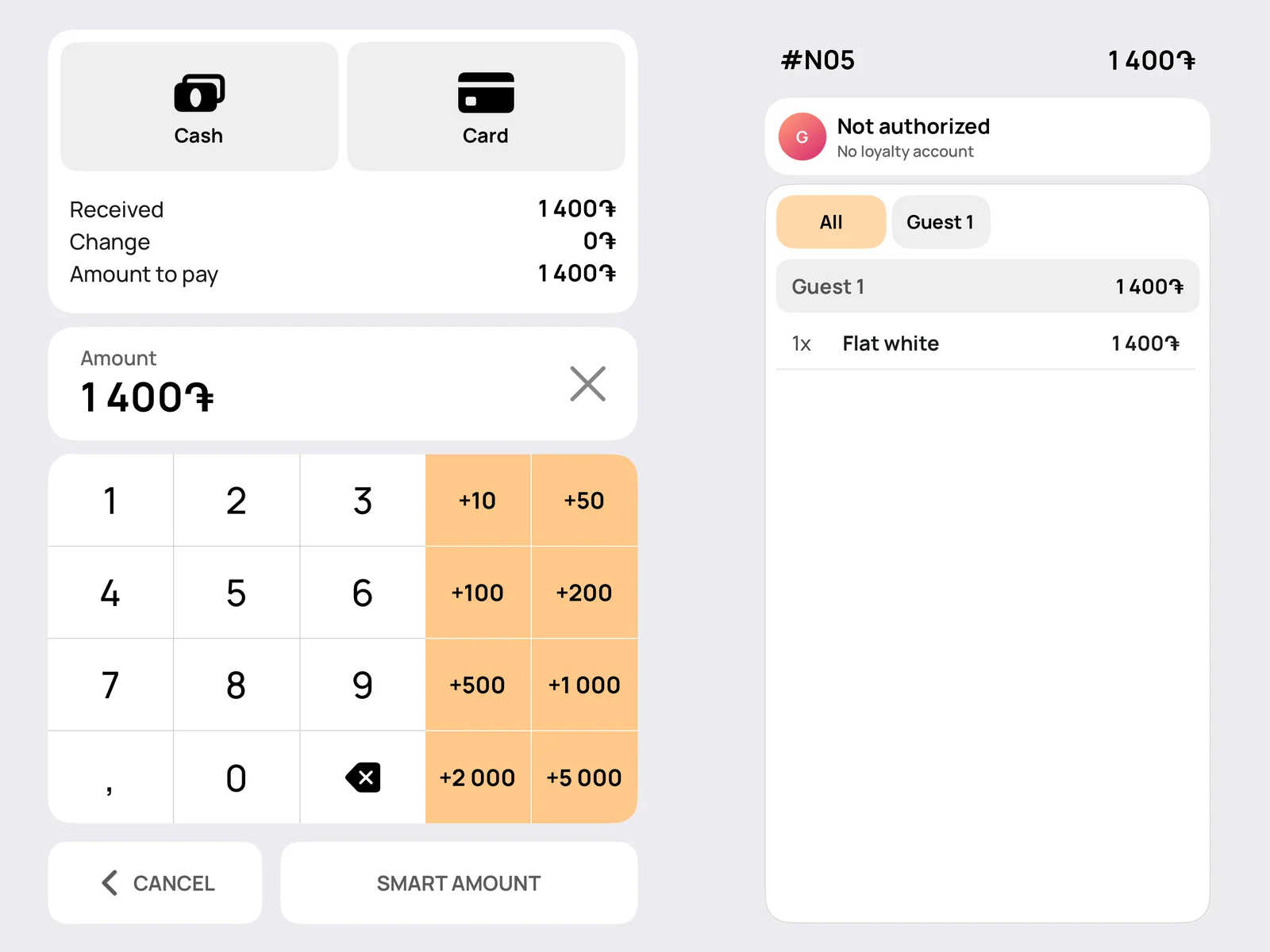
Quick checks, drink modifiers and one-tap cash buttons keep the queue short.
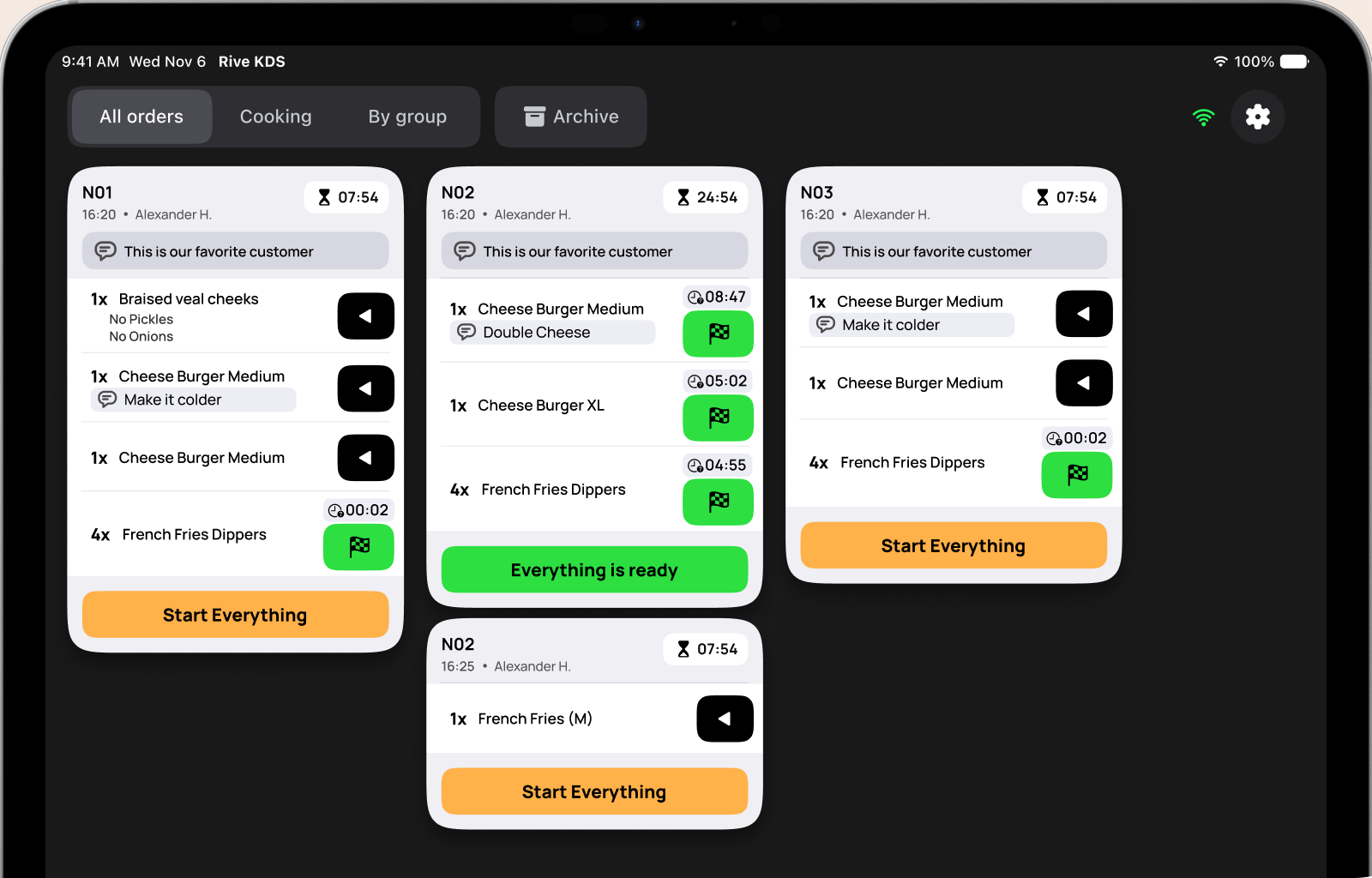
Sandwiches go to the kitchen screen, and the counter gets a ping when they’re ready.
Count the drawer, close the register and check the day’s numbers from your phone.
Pricing
Every plan includes the full POS and fiscal receipts through your HDM. Pay monthly, or yearly and save 20%.
Save 20% with a yearly plan
For small-menu businesses
per month, billed yearly (84 000 ֏)
For a busy café that wants more control
per month, billed yearly (123 600 ֏)
For chains with more than one location
per month, billed yearly (208 800 ֏)
| Feature | Mini | Plus | Premium |
|---|---|---|---|
| Selling | |||
| Orders, discounts, split bills, refunds, cash and card | |||
| Modifiers and comments | |||
| Tables and floor plan | |||
| Fiscal receipts through your HDM | |||
| Menus and stop list | |||
| Staff PINs, positions, shifts and cash control | |||
| Products and staff | Unlimited | Unlimited | Unlimited |
| Stock | |||
| Suppliers, purchase receipts, recipes, write-offs and counts | |||
| Semi-products, production, several warehouses and transfers | |||
| Customers | |||
| Customer list, discounts and one bonus program | |||
| Promotions, customer groups, several bonus types and RFM | |||
| Reports and money | |||
| Sales, payments, orders and shift reports | |||
| ABC analysis, product movement and order performance | |||
| Finance: accounts, profit and loss, pay-ins and collections | |||
| Schedules, payroll and activity history | |||
| More than one location | |||
| Shared catalog with per-location prices and availability | |||
| Dashboard and reports across locations | |||
| Priority support and data import help | |||
Want every detail? Compare all plans, Enterprise terms and pricing questions on the pricing page.
See full pricing Questions café owners ask
No. Rive runs on an iPad or Android tablet. Connect your existing HDM, and add a network printer if you want one.
Yes. Create modifier groups in Back Office, such as milk type or syrup, mark them required or optional, and set a price for each. They show up on the Terminal automatically.
Keep selling. Orders and cash payments are saved on the tablet and sync as soon as you’re back online.
Yes. Guests earn bonus points on purchases and spend them at checkout. You set the rules in Back Office.
Talk to sales
Leave your details and someone from Rive will call you to walk through your café, your menu and your hardware.